Internal Linking: How to Connect Your Own Pages
Internal linking is one of the most powerful, yet frequently underestimated, tools in a digital marketer’s arsenal. At its simplest, an internal link is any hyperlink that points from one page on a domain to another page on that same domain. While external links—links from other websites to yours—are often the focus of backlink building strategies, internal links are the connective tissue that holds your own website together. They define the architecture of your digital space, guiding both human visitors and search engine bots through your content.
The role of internal linking is twofold: it serves the user experience and powers search engine optimization. For the user, a well-placed link provides a path to deeper knowledge, answering follow-up questions before they are even asked. For search engines like Google, these links act as a roadmap. They allow crawlers to discover new pages, understand the relationships between different pieces of content, and determine which pages on your site carry the most weight.
Read: Simple SEO Strategy That Works
In this guide, we will explore the mechanics of internal linking. You will learn the difference between internal and external links, why PageRank distribution is still a vital concept for modern SEO, and how to build a “topic cluster” that establishes your brand as an authority. By the end of this article, you will have a comprehensive framework for auditing your current site structure and implementing a strategy that improves your rankings and keeps your audience engaged.
Why Internal Linking Is Important
SEO Benefits: The Power of PageRank
Search engines use internal links to flow “link equity”—often referred to by the legacy term PageRank—throughout a website. Imagine your homepage as a reservoir of authority. Every time you link from your homepage to a subpage, you are opening a valve that allows some of that authority to flow downward. Without internal links, a high-quality page can become “orphaned,” meaning it has no incoming links. Even if the content is world-class, search engines may struggle to find it or may deem it unimportant because it sits in isolation.
Read: Dominate Google Search: Powerful SEO Strategies
Furthermore, internal links help search engines understand the hierarchy of your site. By linking more frequently to your most important “money pages” or pillar articles, you signal to Google that these are your primary resources. This helps the search engine prioritize which pages to show in search results for broad, high-volume keywords.
User Experience: Reducing Friction
Beyond the technical crawlability, internal linking is essential for a healthy user experience (UX). A website without internal links is a dead end. When a user finishes reading a blog post, a well-timed contextual link to a related topic keeps them within your ecosystem. This increases “dwell time”—the amount of time a user spends on your site—and reduces “bounce rate,” which is the percentage of users who leave after viewing only one page.
From a conversion standpoint, internal links guide the user through the marketing funnel. You might link from an educational blog post (Top of Funnel) to a case study (Middle of Funnel), and finally to a product page (Bottom of Funnel). Each link serves as a gentle nudge toward a conversion.
Read: Understanding Google Penguin Update
Content Authority and Topic Clusters
Modern SEO has shifted from focusing on individual keywords to focusing on topical authority. Search engines want to reward sites that cover a subject comprehensively. Internal linking is the primary way to demonstrate this. By using a “Pillar and Cluster” model, you create a central pillar page that provides a broad overview of a topic and link it to multiple detailed cluster pages that dive into sub-topics. This inter-linking tells search engines: “We don’t just have one article on this subject; we have an entire library of interconnected expertise.”
Types of Internal Links
Not all links serve the same purpose. Understanding the different types of internal links allows you to optimize each for its specific role.
Navigational Links
These are the most common links on your site. They live in your main header menu, your footer, and sometimes a sidebar. Their primary job is utility. Navigational links help users find the “buckets” of your website, such as “Services,” “About Us,” or “Contact.” While these are important for sitewide crawlability, they carry less SEO weight per link than contextual links because they appear on every single page and are expected by search engines.
Contextual Links
Contextual links are the gold standard for SEO. These are links found within the main body text of your content. They are powerful because they provide a “context” (hence the name) for the link. When you link a specific phrase in a paragraph to another article, you are telling the search engine that the destination page is highly relevant to that specific thought. These links feel natural to the reader and are highly effective at passing link equity.
Related Posts and Suggested Content
Many websites use automated widgets at the end of articles that suggest “Related Reading.” While these are great for UX and keeping users on the site, they are often less effective for SEO than manual contextual links. However, manually curated “Editor’s Choice” or “Further Reading” sections can be very effective at highlighting high-value content that might otherwise be buried.
Breadcrumbs
Breadcrumbs are a trail of links usually found at the top of a page (e.g., Home > Blog > SEO Tips > Internal Linking). They are a massive win for both UX and SEO. For users, they provide an easy way to navigate back to a higher-level category. For search engines, they provide a clear, structured path that reinforces the site’s hierarchy and can even appear in search engine results pages (SERPs) as a more readable URL structure.
Best Practices for Internal Linking
To maximize the benefits of internal linking, you must follow a set of strategic best practices. Randomly linking words to other pages will not produce the results you want; precision is key.
Use Descriptive Anchor Text
Anchor text is the clickable text in a hyperlink. One of the most common mistakes is using generic phrases like “click here,” “read more,” or “this post.” These provide zero information to search engine crawlers about the destination page. Instead, use descriptive, keyword-rich anchor text. If you are linking to a page about “How to Groom a Golden Retriever,” your anchor text should be exactly that or a close variation.
However, avoid “exact match” overkill. If every single link pointing to a page uses the exact same five words, it can look manipulative to search engine algorithms. Aim for natural, varied phrasing that fits the flow of your sentence.
Link Deep
It is a natural instinct to link to your homepage or your “Contact” page frequently. However, these pages usually already have plenty of links from your navigation menu. To boost your SEO, you should “link deep.” This means finding relevant, high-quality articles or product pages that are buried several layers deep in your site and linking to them from your newer content. Deep linking helps surface older content and ensures that your entire site remains indexed and fresh.
Maintain a Logical Structure: The Silo Method
Organize your website into logical “silos” or categories. For example, if you run a fitness site, you might have silos for “Nutrition,” “Strength Training,” and “Yoga.” Links should primarily stay within their own silo. Linking a nutrition article to another nutrition article reinforces the topical relevance of that section. While occasional cross-silo linking is fine, keeping your structure organized helps search engines categorize your site more easily.
Limit the Number of Links per Page
While internal linking is good, more is not always better. Every link you add to a page dilutes the “link juice” being passed. If a page has 100 internal links, each individual link passes very little authority. Furthermore, a wall of blue underlined text is distracting and overwhelming for a human reader. Aim for a reasonable number of links—usually 3 to 5 for a standard 1,000-word blog post—and ensure each one adds genuine value to the reader.
Keep Links Updated and Functional
An internal link to a 404 error page is a “broken link,” and it is a major signal of poor site maintenance. Regularly audit your site to ensure all links are functional. Additionally, as you move or update content, ensure that redirects are in place. If you write a new, better version of an old article, go back to your previous posts and update those internal links to point to the new version. This keeps your “link web” strong and relevant.
How to Plan Your Internal Linking Strategy
A successful strategy requires moving from a reactive “I’ll add a link here” mindset to a proactive planning phase.
Audit Existing Content
The first step is knowing where you stand. You need to identify “orphan pages”—pages that have zero incoming internal links. These pages are essentially invisible to search engines. Use a site crawler or SEO tool to map your current link distribution. Look for high-performing pages that could serve as “source” pages to pass authority to newer or underperforming content.
Identify Pillar Pages and Supporting Content
Decide which pages on your site are your “Pillars.” These should be comprehensive, high-level guides on your primary business topics. Once these are identified, ensure that all smaller, more specific “Cluster” articles on that topic link back to the Pillar page. This creates a hub-and-spoke model that is incredibly effective for ranking for competitive, broad keywords.
Prioritize High-Value Pages
Not all pages are created equal. Identify your “money pages”—those that directly lead to revenue or lead generation—and your “power pages”—those that have earned the most external backlinks. Your strategy should involve linking from your “power pages” to your “money pages.” This effectively “launders” the authority you’ve gained from external sites and directs it toward the pages that help your business grow.
Create a Link Map
For larger sites, visual mapping is essential. You can use simple spreadsheets or visual mapping tools to track which pages link to which. This allows you to see if your silos are leaking or if certain sections of your site are being neglected. A link map ensures that as you create new content, you have a ready-made list of “target” pages that need more internal support.
Common Mistakes to Avoid
Even seasoned SEO professionals make mistakes with internal linking. Avoiding these pitfalls will put you ahead of the competition.
Over-linking: Don’t turn your articles into a “link farm.” If every second sentence has a link, the user will lose interest, and search engines may view it as spammy behavior.
Irrelevant Linking: Only link if the destination page actually helps the user understand the current topic better. Linking your “Best Pizza Recipes” page to your “How to Change a Tire” page just because you want more links is confusing and harmful to your site’s topical relevance.
Ignoring the Mobile Experience: On mobile devices, links that are too close together are hard to click. Ensure your links are spaced out enough to be “thumb-friendly.”
Generic Anchors: As mentioned before, “click here” is a wasted opportunity. Every link should tell a story about where it is going.
Using Nofollow Tags: There is almost never a reason to use a
rel="nofollow"tag on an internal link. You want search engines to follow these links and pass authority. Using nofollow internally is like locking the doors of your own house against yourself.
Tools and Plugins to Help
Managing thousands of links manually is impossible. Fortunately, several tools can automate the auditing and implementation process.
SEO Suites (Ahrefs, SEMrush, Moz)
These all-in-one tools offer “Site Audit” features that specifically look for internal linking issues. They will flag orphan pages, broken internal links, and pages that are “too deep” (taking more than 3 clicks to reach from the homepage). They also provide data on which pages have the most “internal Link Rank,” helping you identify your strongest internal pages.
CMS Plugins (Rank Math, Yoast SEO)
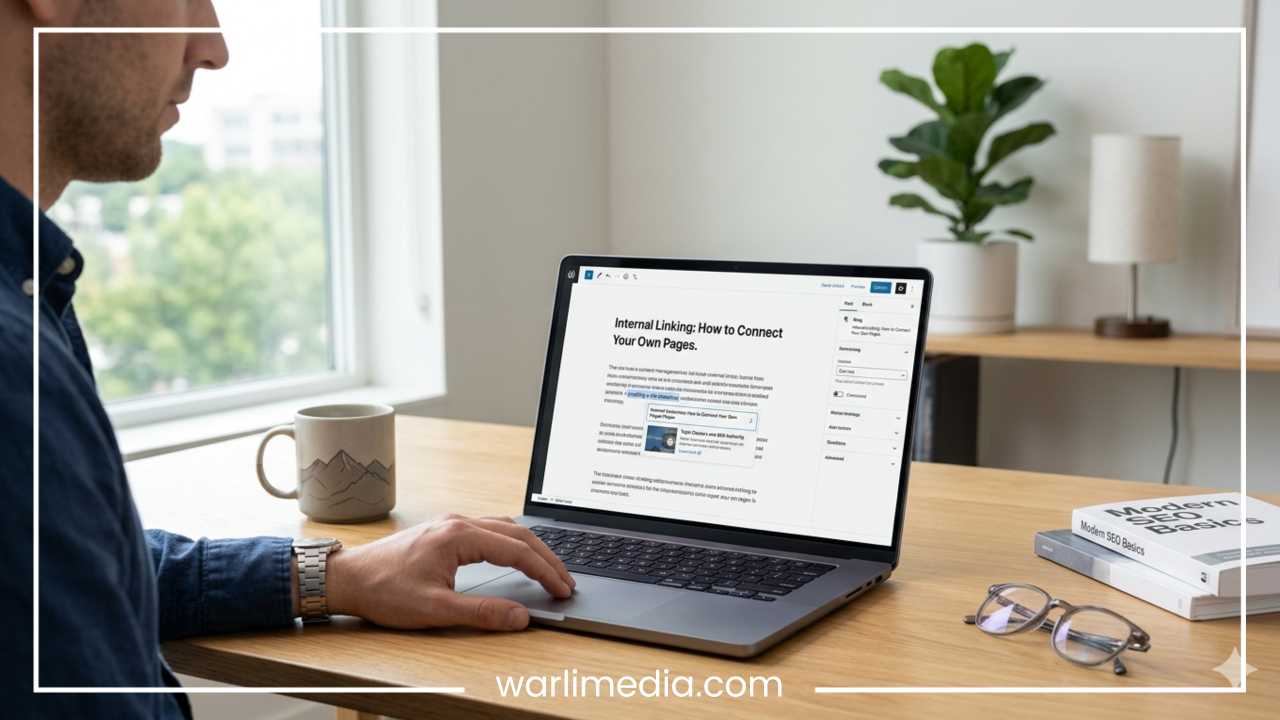
For WordPress users, plugins like Rank Math and Yoast provide real-time internal linking suggestions as you write. They analyze your text and suggest existing articles on your site that might be relevant. This is a great way to ensure that you are building your internal web as you go, rather than trying to fix it months later.
Visualization and Crawling Tools
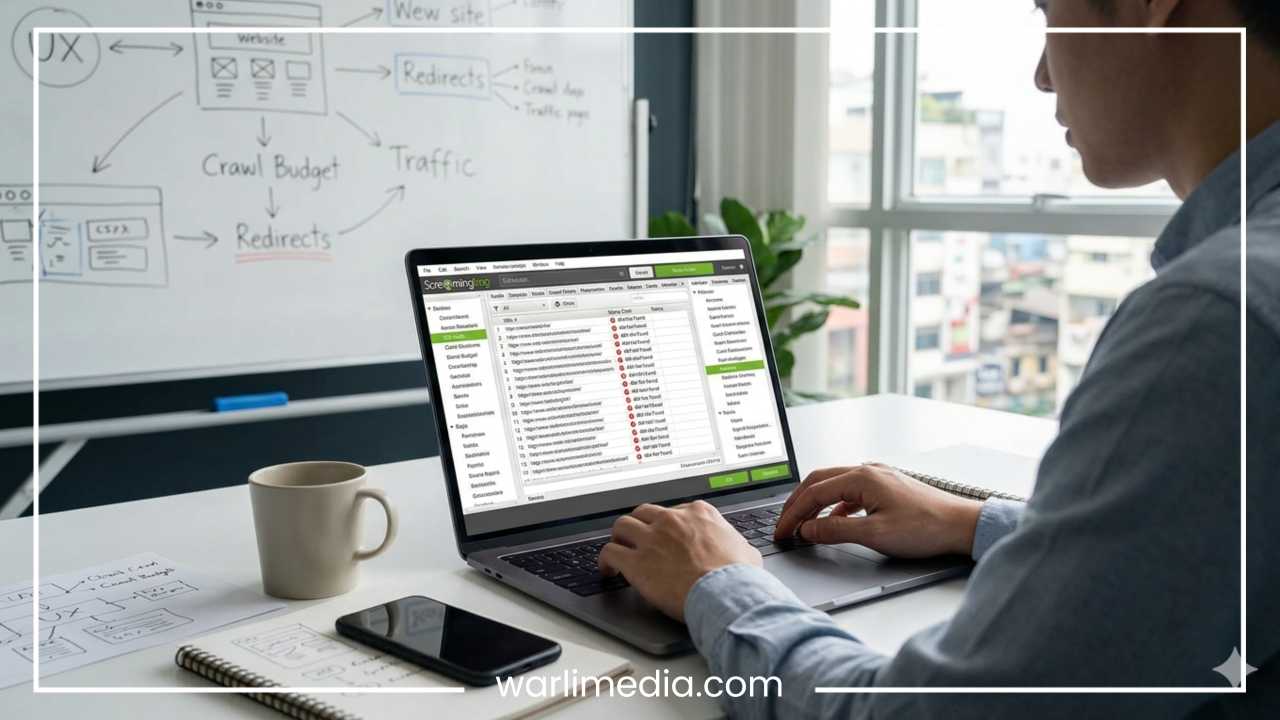
Screaming Frog SEO Spider is a technical favorite. It crawls your site like a search engine and allows you to export a massive list of every internal link, its anchor text, and its status code. For larger sites, this data is invaluable for finding structural flaws and planning a site-wide migration or reorganization.
Case Studies and Examples
To understand the impact of internal linking, consider a hypothetical “before and after” scenario.
The Case: A mid-sized e-commerce site selling gardening supplies had a great blog but was struggling to rank for its main product pages (e.g., “Organic Fertilizer”). Their blog posts were high-quality but only linked to other blog posts. Their product pages were “orphaned” from the informational content.
The Fix: The site implemented a topic cluster strategy. They identified their “Organic Fertilizer” category page as a pillar. They went back to 20 different blog posts about “soil health,” “tomato growing,” and “composting,” and added contextual links using the anchor text “high-quality organic fertilizer” pointing directly to the product category page.
The Result: Within three months, the “Organic Fertilizer” category page moved from page 4 of Google to the bottom of page 1. Because the blog posts already had external backlinks and authority, passing that authority through internal links gave the product page the “boost” it needed to compete with larger retailers.
Final Thoughts
Internal linking is not a “set it and forget it” task. It is an ongoing process of curation and maintenance. As your website grows and your content library expands, the web of connections between your pages must be constantly refined to reflect your current goals and the needs of your audience.
By focusing on descriptive anchor text, a logical silo structure, and the strategic distribution of link equity, you create a website that is easy for humans to navigate and easy for search engines to reward. Start by auditing your most important pages today. Find your orphans, fix your broken links, and begin connecting the dots of your digital ecosystem. The strength of your website lies not just in your individual pages, but in how well those pages talk to one another.