Local SEO: How to Rank for “Near Me” Searches (Complete Guide)
In the modern digital landscape, the distance between a consumer’s need and a purchase is often just a few taps on a smartphone. When someone searches for “coffee shop near me,” “emergency plumber,” or “best Italian restaurant,” they aren’t just browsing for information; they are signaling a high-intent desire to visit a physical location or hire a service provider immediately. These “near me” searches have become the cornerstone of local commerce, acting as the digital bridge between online discovery and offline transactions.
Local SEO is no longer a niche subset of digital marketing. It is the primary engine of growth for small businesses and multi-location enterprises alike. As mobile device usage continues to dominate and voice-activated assistants become household staples, the volume of location-based queries has exploded. This comprehensive guide provides a roadmap for mastering the art and science of local search, ensuring your business stands out exactly when and where your customers are looking for you.
Read: Photoshop Tutorials Sites to Learn Photoshop Online
How “Near Me” Searches Actually Work
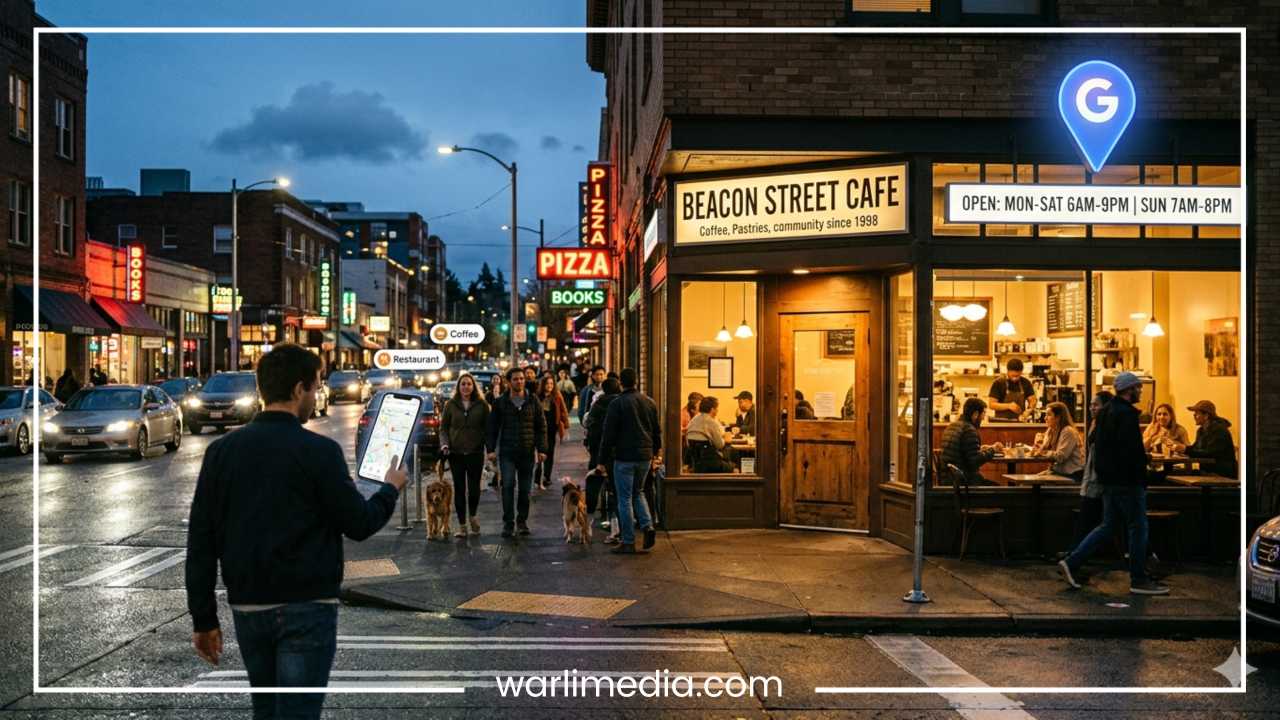
To dominate local search, one must first understand that Google does not treat “near me” as a traditional keyword. In a standard search, Google looks for matches between your query and indexed web pages. In a local “near me” search, Google acts as a sophisticated matchmaking service using three primary data points: user location, search intent, and business relevance.
The Role of Real-Time Data
Google utilizes GPS data from smartphones, IP addresses from desktops, and Wi-Fi triangulation to determine a user’s precise coordinates. When a user types a query with local intent, Google’s algorithm shifts priorities. It assumes the user wants results within a specific radius of their current position. This is why search results for “gyms” will look drastically different if you search from your office versus your home, even if the query remains identical.
Read: FotoFlexer 101: Beginner’s Guide to Photo Editing
Implicit vs. Explicit Local Intent
It is a common misconception that a user must type the words “near me” to trigger a local result. Google has become adept at identifying implicit local intent.
Explicit: “Best sushi near me” or “Electricians in Chicago.”
Implicit: “Pizza delivery,” “dry cleaners,” or “gas station.”
In both cases, Google prioritizes the “Local Pack” (the map and three business listings) over standard organic blue links because it understands the user is looking for a physical solution in their immediate vicinity.
Read: Sites to Create Cool Profile Pictures
The Core Ranking Factors for Local SEO
Google’s local algorithm is distinct from its global organic algorithm. While there is overlap, local rankings are governed by three core pillars: Relevance, Distance, and Prominence.
Relevance
Relevance refers to how well a local business profile matches what someone is searching for. If your Google Business Profile (GBP) is vague or incomplete, Google may struggle to categorize your business correctly. Detailed information about your services, products, and attributes helps the algorithm understand your business’s core offerings. For example, if you own a bakery that also serves coffee, ensuring both “Bakery” and “Coffee Shop” are represented in your profile increases your relevance for both types of searches.
Distance
Distance is the most difficult factor to control because it depends entirely on where the searcher is standing. Google calculates the distance between the searcher’s location and the business. While you cannot move your shop to follow every customer, you can maximize your visibility within your specific service area or neighborhood. Interestingly, Google has historically expanded and contracted this “proximity radius” based on the density of businesses in an area. In a crowded city, the radius for “near me” might be three blocks; in a rural area, it could be twenty miles.
Prominence
Prominence reflects how well-known a business is. This is based on information that Google has about a business from across the web. This includes:
Review Count and Score: More positive reviews signal trust and authority.
Backlinks: Links from reputable local websites (news, blogs, directories).
SEO Best Practices: Traditional organic search signals still influence local prominence.
Citations: Mentions of your business name, address, and phone number (NAP) on the web.
Read: How to Download YouTube Videos
Optimize Your Google Business Profile
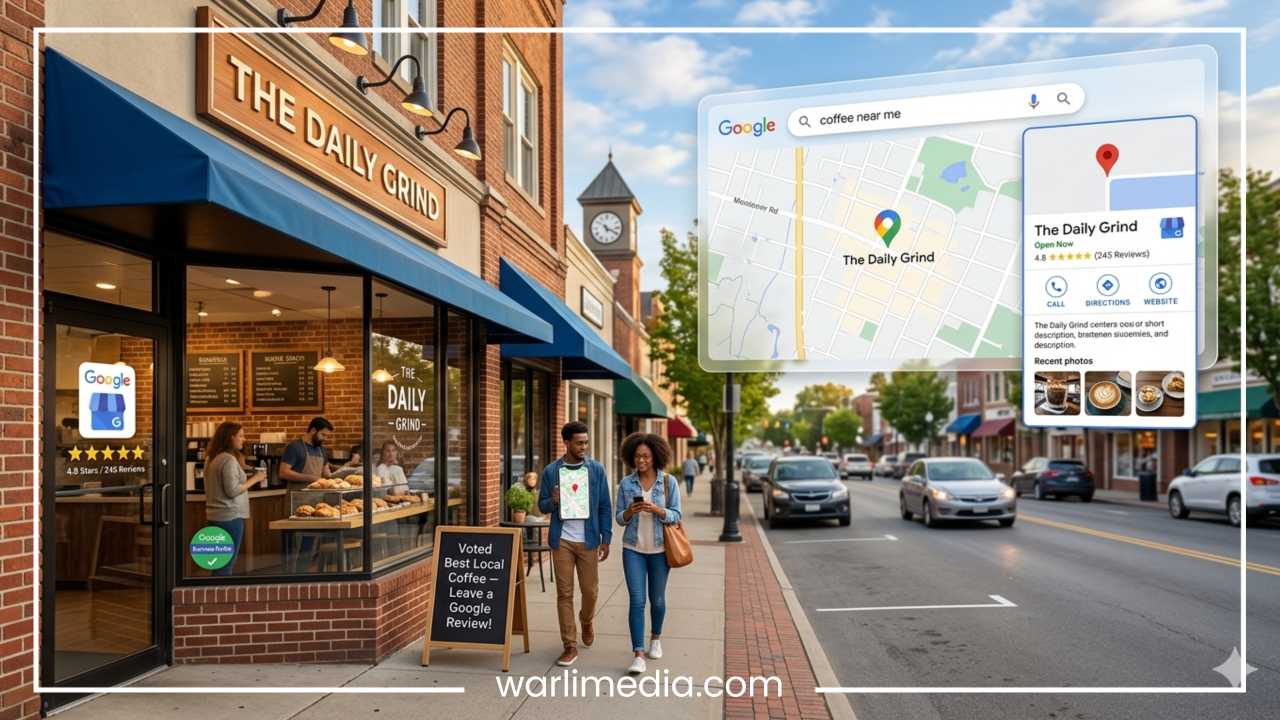
If your website is your digital storefront, your Google Business Profile (GBP) is your digital billboard on the world’s busiest highway. It is the single most influential tool for ranking in “near me” searches.
Claiming and Verifying
The first step is non-negotiable: claim your profile. An unverified profile is a liability, as anyone—including competitors—can suggest edits to your information. Once verified, you gain control over how your business appears on Google Maps and Search.
Strategic Categorization
Choosing the right primary category is critical. If you are a “Personal Injury Attorney,” don’t just settle for “Lawyer.” Use the most specific category possible, and then use secondary categories to capture related services like “Legal Services” or “Trial Attorney.” Google allows one primary category and up to nine secondary categories. Use them wisely, but avoid “category stuffing,” which can dilute your relevance.
Natural Keyword Integration
While your business name should be your actual legal name (avoid keyword stuffing here, as it violates Google’s terms), your business description is a place to shine. Write a compelling, natural description that mentions your neighborhood, your primary services, and what makes you unique. Use local landmarks or city names naturally to reinforce your geographic relevance.
Visual Content and Engagement
Profiles with photos receive significantly more clicks and requests for directions. Upload high-resolution images of your storefront (to help people find you), your interior, your staff, and your products. Furthermore, utilize the Google Posts feature to share updates, offers, and events. These posts appear directly in your profile and signal to Google that your business is active and engaged.
Q&A Optimization
The Questions and Answers section is often overlooked. Anyone can ask a question, and unfortunately, anyone can answer. Business owners should proactively post their own “Frequently Asked Questions” and provide the official answers. This ensures that the first thing a potential customer sees is accurate information rather than a guess from a random user.
On-Page SEO for Local Rankings
Your website must work in tandem with your Google Business Profile. If your GBP says you are in one location, but your website doesn’t reflect that, Google’s confidence in your business drops.
Hyper-Local Keywords
Incorporate city, neighborhood, and “near me” terminology into your metadata. However, do not simply list cities at the bottom of the page. Integrate them into:
Title Tags: “Emergency Plumber in [City Name] | 24/7 Service”
H1 and H2 Headers: “Serving the Greater [Neighborhood] Area Since 1990”
Meta Descriptions: A brief summary that includes the city and a clear call to action.
Location Landing Pages
If your business serves multiple cities or has several branches, create a unique landing page for each one. Do not use “cookie-cutter” content for these pages. Each page should contain:
Specific NAP (Name, Address, Phone) details for that branch.
An embedded Google Map showing that specific location.
Local testimonials from customers in that specific area.
Hyper-local content, such as nearby parking instructions or mentions of local community involvement.
LocalBusiness Schema Markup
Schema markup is a form of microdata added to your website’s code that helps search engines understand your content. By implementing LocalBusiness Schema, you provide Google with structured data about your hours, address, price range, and reviews in a format it can easily parse. This increases the likelihood of your site appearing in rich snippets and the Local Pack.
Building Local Citations & Directory Listings
A citation is any online mention of your business’s Name, Address, and Phone number (NAP). These citations act as “votes of confidence” for your business’s physical existence.
The Power of Consistency
The most important rule of citations is NAP consistency. If your address is listed as “123 Main Street” on Yelp but “123 Main St.” on your website, Google may view these as two different entities or perceive the data as unreliable. Ensure every digit and abbreviation is identical across all platforms. Inconsistent data is one of the leading causes of ranking drops in local search.
Where to List Your Business
Start with the “Big Three” data aggregators: Data Axle, Neustar Localeze, and Foursquare. These companies push business data to thousands of other smaller sites. From there, move to:
General Directories: Yelp, Yellow Pages, Bing Places, and Apple Maps.
Industry-Specific Directories: Houzz for contractors, TripAdvisor for hospitality, or Avvo for lawyers.
Hyper-Local Directories: Your local Chamber of Commerce, neighborhood associations, and city-specific business blogs.
Online Reviews & Reputation Management
Reviews are a “double-threat” in Local SEO: they are a primary ranking factor and the ultimate conversion tool. A business with a 4.8-star rating and 200 reviews will almost always out-convert a 5.0-star business with only three reviews.
Ethical Review Acquisition
Never buy reviews or offer direct incentives (like discounts) in exchange for five stars, as this can lead to profile suspension. Instead, make it easy for customers to leave feedback. Send follow-up emails with direct links to your GBP or use QR codes at your physical point of sale.
The Importance of Response
Google has confirmed that responding to reviews—both positive and negative—improves your local SEO. It shows the algorithm that you are active and shows potential customers that you care about service. When responding to negative reviews:
Stay professional and calm.
Acknowledge the customer’s concern.
Offer to move the conversation offline to resolve the issue.
Avoid using your business name or keywords in negative responses (you don’t want the negative review to rank for your name).
Review Freshness and Velocity
A business with reviews from three years ago looks stagnant. “Review velocity” (the speed at which you gain new reviews) and “freshness” (how recently the last review was left) are key signals. A steady stream of new feedback tells Google your business is currently popular and operational.
Local Link Building Strategies
In global SEO, you want links from high-authority sites like Forbes or The New York Times. In local SEO, a link from the local high school’s football booster club or a neighborhood blog can be just as valuable—if not more so—because of its geographic relevance.
Hyper-Local Relevance
Google values the “geographical relevance” of your backlink profile. Seek out:
Sponsorships: Support a local 5k run, a little league team, or a charity gala in exchange for a link on their sponsors page.
Local News: Reach out to local journalists or bloggers when you have a story to tell (a grand opening, a charity event, or a new unique product).
Partnerships: If you are a wedding photographer, partner with a local florist or venue. You can feature each other on your respective websites, creating mutually beneficial local links.
Local Resource Guides: Many cities have “Best of” lists or “New Resident Guides.” Getting your business mentioned in these is a goldmine for local authority.
Mobile Optimization & UX for Local Search
“Near me” searches are intrinsically mobile. People searching for a mechanic while their car is smoking on the side of the road are not using a desktop. If your mobile experience is poor, your local rankings—and your business—will suffer.
Speed and Accessibility
A slow-loading site leads to high bounce rates. Ensure your images are compressed and your hosting is reliable. Beyond speed, focus on “thumb-friendly” navigation. Buttons should be large enough to tap easily, and forms should be simplified for mobile users.
The Click-to-Action Priority
When a mobile user lands on your site from a “near me” search, they usually want one of three things: your phone number, your address, or a way to book an appointment.
Click-to-Call: Your phone number should be a link that triggers the phone’s dialer.
Map Integration: Provide a “Get Directions” button that opens directly in Google Maps or Apple Maps.
Floating Navigation: Consider a “sticky” header or footer that keeps your contact info visible as the user scrolls.
Voice Search & “Near Me” Queries
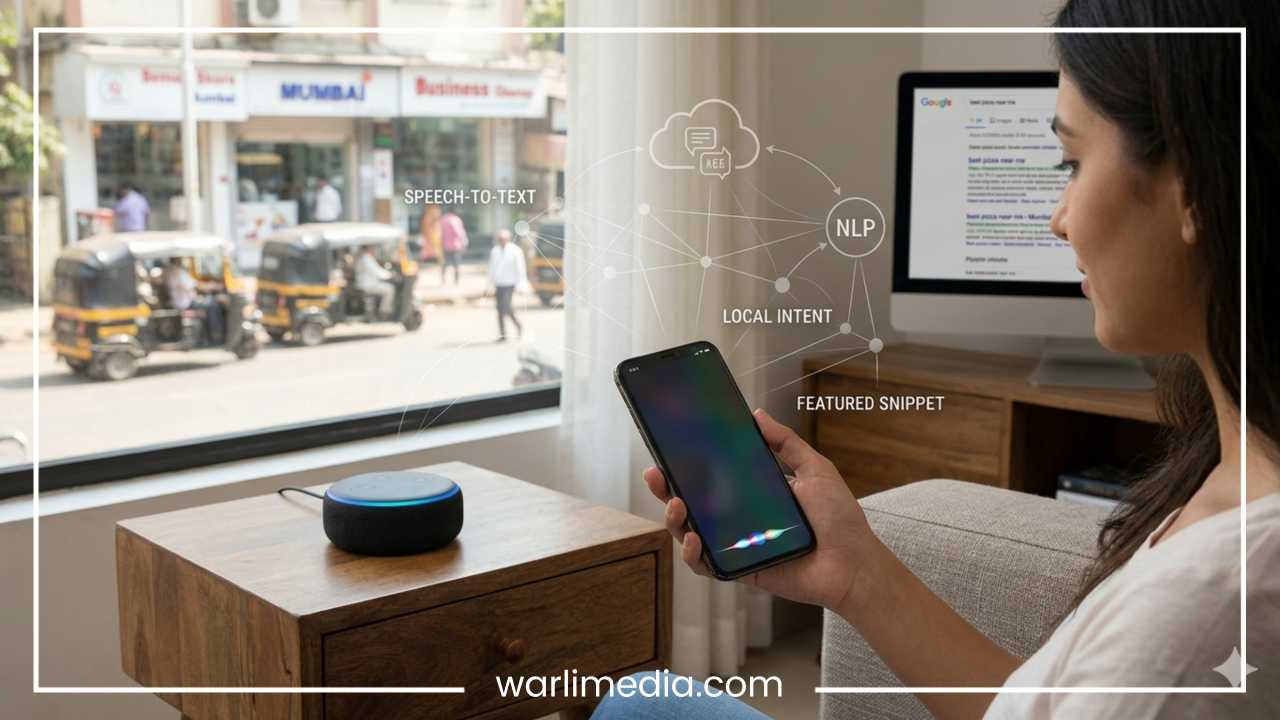
With the rise of smart speakers and mobile assistants like Siri, Alexa, and Google Assistant, voice search has fundamentally changed the syntax of local queries. People don’t speak the way they type.
Conversational Phrases and Long-Tail Keywords
While a typed search might be “Plumber Chicago,” a voice search is likely “Hey Google, who is the best plumber near me that is open right now?” To capture this traffic, your content should mirror natural speech.
FAQ Sections and Featured Snippets
Create a “Frequently Asked Questions” page on your site. Use full questions as your headers (H2 or H3) and provide direct, concise answers in the body text. This structure is highly compatible with how voice assistants pull data for spoken results. If you can answer a “Who,” “What,” “Where,” or “How” question clearly, you are more likely to be the voice assistant’s chosen answer.
Common Mistakes That Hurt Local Rankings
Even with a strong strategy, certain pitfalls can derail your progress. Avoiding these common errors is essential for maintaining your competitive edge.
Keyword Stuffing “Near Me”: Do not write “We are the best pizza near me in Seattle.” This is grammatically incorrect and search engines are smart enough to realize you are trying to “game” the system. Optimize for your location, and Google will handle the “near me” connection based on the user’s GPS.
Duplicate Listings: Having multiple Google Business Profiles for the same physical location confuses the algorithm and splits your “ranking power.” Clean up any duplicates or “zombie” listings immediately.
Ignoring the Community: Local SEO isn’t just about code; it’s about being a part of the neighborhood. Businesses that don’t engage with local events or reviews often see their prominence score stagnate.
Using a P.O. Box: Google requires a physical address where a customer can actually visit you (unless you are a Service Area Business). Using a P.O. box or a virtual office address can lead to your profile being suspended.
Measuring Local SEO Success
Success in local SEO is tracked differently than traditional organic traffic. You need to look beyond just “keyword rankings.”
Google Business Profile Insights
This is your most valuable data source. It tells you:
Direct vs. Discovery: How many people found you by name vs. searching for a category.
Actions: How many people clicked to call, requested directions, or visited your website.
Photo Views: How your photo views compare to competitors in your niche.
Local Rank Tracking
Standard SEO tools often give you a national average for rankings. To track “near me” success, use tools that allow for geo-grid tracking. These tools provide a map with a grid of points, showing you how you rank at specific locations (e.g., you might be #1 right at your doorstep, but drop to #5 just three blocks away).
Conversion Attribution
Use UTM parameters on the website link in your GBP. This allows you to see exactly how much traffic and how many sales in your analytics dashboard are coming specifically from your map listing rather than standard organic search results.
Advanced Strategy: Content for Local Intent
To truly separate yourself from the competition, your content strategy should be hyper-local. Most businesses stop at “Service + City,” but you can go further.
Local Guides and Neighborhood Spotlights
Write blog posts about your community. If you are a real estate agent, write about the “Top 5 Parks in [Neighborhood].” If you are a gym owner, write about “The Best Healthy Post-Workout Spots in [City].” This content signals to Google that you are an authority on the geographic area, not just the service you provide.
Event Coverage
Is there a major festival or parade in your city? Write a guide on “How to Navigate [Local Event]” and include tips on where to park (perhaps near your business). This type of content attracts local traffic and earns natural links from community members.
Final Thoughts
Ranking for “near me” searches is not a “set it and forget it” task. It is a continuous process of proving to Google that your business is the most relevant, closest, and most prominent solution for a user’s problem. By meticulously maintaining your Google Business Profile, ensuring your website is optimized for local intent, and actively managing your online reputation, you create a digital presence that commands attention.
The businesses that thrive in the local landscape are those that prioritize the user experience. They make it easy to find their address, easy to read their reviews, and easy to contact them. In the world of local SEO, consistency is the ultimate currency. Keep your information accurate, stay engaged with your community, and provide exceptional service. When you do, the search engines will not only find you—they will recommend you to the customers standing right outside your door.