How to Write a Perfect SEO Title Tag: The Ultimate Guide
The title tag is arguably the most important on-page SEO element after your actual content. It is the first thing a user sees in search results, the text that appears in browser tabs, and a primary signal that search engines use to determine the topic of a page. Despite being a small string of text—usually under 60 characters—it carries immense weight in determining whether a user clicks on your link or scrolls past to a competitor.
In this comprehensive guide, we will break down every nuance of crafting the perfect SEO title tag. You will learn the technical definitions, the psychological triggers that drive clicks, and the strategic keyword placement required to climb the search engine results pages (SERPs).
Read: How to Get Your Blog or Website Indexed Quickly in Google and Yahoo
What Is an SEO Title Tag?
A title tag is an HTML element that specifies the title of a web page. It is meant to be a concise description of a page’s content. In the source code of a website, it appears within the <head> section and looks like this:
<title>How to Bake a Chocolate Cake | Easy Recipe Guide</title>
Title Tag vs. H1 Tag
One common point of confusion for beginners is the difference between the SEO title tag and the H1 tag.
The Title Tag is what shows up in the search engine results and the browser tab. It is an “external” signal meant for people who haven’t visited your site yet.
The H1 Tag is the main heading visible on the actual page. It is an “internal” signal meant for people who are already reading your content.
While they should be similar to maintain consistency, the title tag is often more optimized for keywords and click-through rates, whereas the H1 can be more descriptive or creative.
Title Tag vs. Meta Description
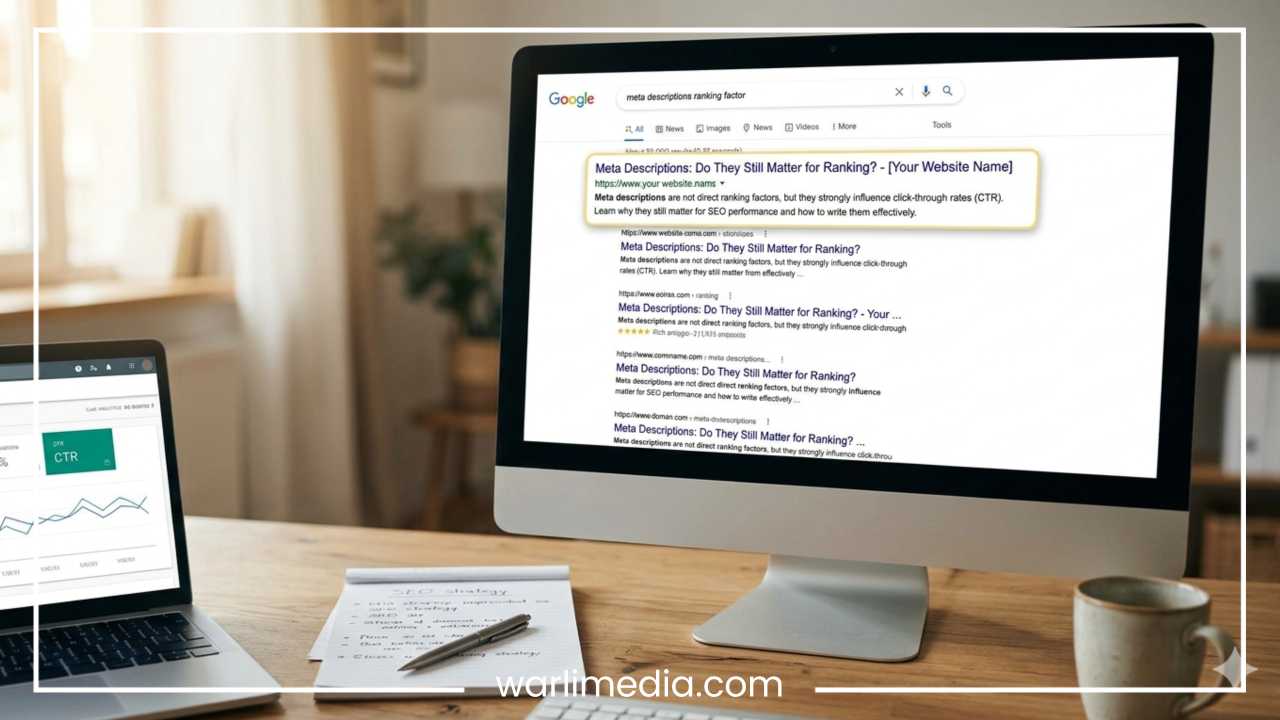
The title tag is the clickable blue link in Google. The meta description is the short snippet of text (usually 150–160 characters) that appears below it. While the meta description does not directly influence rankings, it acts as “ad copy” to support the title tag and encourage the click.
Where It Appears
Search Engine Results Pages (SERPs): This is the most critical placement. It is the bold, clickable headline for your listing.
Browser Tabs: The title tag helps users navigate between multiple open tabs.
Social Networks: When you share a link on platforms like LinkedIn or Facebook, the title tag is often pulled as the headline for the post preview.
Read: SEO Technique to Let Google Index All Your Website Pages
Why Title Tags Matter for SEO
Title tags are a fundamental pillar of search engine optimization for two primary reasons: rankings and user experience.
Impact on Rankings
Google and other search engines use the title tag to understand the context of a page. By placing your primary keyword in the title, you are telling the search engine exactly what the page is about. It is one of the strongest relevancy signals available. If your title tag doesn’t match the user’s search query, you are significantly less likely to rank in the top positions.
Click-Through Rate (CTR)
Even if you rank #1, your title tag must convince the user that your page is the best answer to their question. A well-written title can improve your CTR, sending more traffic to your site from the same ranking position. Over time, a high CTR can signal to Google that your page is a high-quality result, which may lead to even higher rankings.
User Intent Matching
Search engines have become incredibly sophisticated at understanding “intent.” A perfect title tag aligns with what the user is looking for. If someone searches for “buy running shoes,” a title tag that says “The History of Running Shoes” will fail because it doesn’t match the transactional intent. Your title must promise the specific value the user is seeking.
Google Title Rewrites
It is worth noting that Google sometimes chooses to rewrite your title tag in the search results. This usually happens if Google believes your title is inaccurate, stuffed with keywords, or doesn’t represent the content well. Writing high-quality, relevant titles is the best way to ensure Google displays the title you intended.
Read: How to Improve Search Engine Ranking of Your Website
Anatomy of a Perfect SEO Title Tag
A high-performing title tag isn’t just a random collection of words; it is a carefully structured formula.
The Primary Keyword
Your most important keyword should always be included in the title tag. Research shows that placing the keyword closer to the beginning of the title can have a slight positive impact on rankings and helps users immediately identify the page’s relevance.
Secondary Keywords and Modifiers
Modifiers are words that help you rank for long-tail variations of your primary keyword. Examples include:
Action words: Buy, Find, Download, Watch.
Quality indicators: Best, Top, Ultimate, Review.
Format indicators: Guide, Checklist, Tips, PDF.
Brand Name
Including your brand name at the end of the title tag can build trust and brand recognition. For most sites, the standard format is:
Primary Keyword - Secondary Keyword | Brand Name
Emotional and Power Words
To stand out among ten other blue links, use “power words” that trigger an emotional response or curiosity. Words like “Proven,” “Incredible,” “Massive,” or “Free” can significantly boost CTR. However, use them sparingly to avoid looking like spam.
Length Optimization
Google typically displays the first 50–60 characters of a title tag. Technically, Google measures titles in pixels (currently around 600 pixels). If your title is too long, it will be cut off with an ellipsis (…), which can hide important information and reduce clicks. Aim for the “sweet spot” of 55 characters to ensure your message is fully visible on both desktop and mobile.
Keyword Research for Title Tags
You cannot write a perfect title tag without knowing exactly what your audience is searching for.
Identifying Search Intent
Before picking a keyword, analyze the SERP for that term.
Informational: The user wants to learn (e.g., “how to tie a tie”).
Navigational: The user wants a specific site (e.g., “YouTube”).
Transactional: The user wants to buy (e.g., “iPhone 15 deals”).
Your title tag must reflect this intent. If you use a transactional title for an informational search, you will see a very low CTR.
Tools and Data
Use keyword research tools to find high-volume, low-competition terms. Look for Long-Tail Keywords—phrases with three or more words. These are easier to rank for and often have a higher conversion rate because they are more specific.
SERP Analysis
Look at the titles of the pages currently ranking in the top three positions. Are they using numbers? Are they guides? By analyzing the competition, you can identify what Google currently favors and then find a way to make your title even more compelling.
Step-by-Step Process to Write a Perfect Title Tag
Follow this repeatable workflow for every page you publish:
Identify the Primary Keyword: Choose one main term that describes the core of the page.
Determine Intent: Is the user looking for a list, a deep dive, or a product?
Audit the Competition: See what the top 5 results are doing. If they all use “How-to” titles, you should likely follow suit.
Draft the Title: Start by putting your keyword first.
Add Modifiers: Include words that add value (e.g., “Beginner’s Guide”).
Incorporate Brackets or Parentheses: Adding
[Updated]or(Free Template)has been shown to increase CTR by up to 40%.Check Length: Use a SERP simulator tool to ensure the title won’t be truncated.
Add Brand Name: Attach your brand at the end if there is space.
Title Tag Formulas That Work
If you are struggling with writer’s block, use these proven templates:
The “How-To” Formula
Template: How to [Achieve Result] in [Timeframe/Steps]
Example: How to Lose 10 Pounds in 30 Days: A Healthy Guide
The Listicle Formula
Template: [Number] Best [Topic] for [Audience]
Example: 15 Best Running Shoes for Flat Feet
The Ultimate Guide Formula
Template: [Keyword]: The Ultimate Guide [Current Status]
Example: Bitcoin Mining: The Ultimate Guide for Beginners
The Comparison Formula
Template: [Topic A] vs [Topic B]: Which Is Better?
Example: iPhone vs Samsung: Which Smartphone Wins?
The Negative Hook Formula
Template: [Number] Mistakes to Avoid in [Topic]
Example: 7 Common Mistakes to Avoid in Home Decorating
Common Mistakes to Avoid
Even experienced SEOs make these errors:
Keyword Stuffing: Writing a title like “Cheap Shoes, Buy Shoes, Best Shoes, Shoes Online” looks like spam to both users and Google. It will hurt your rankings.
Duplicate Titles: Every single page on your site must have a unique title tag. Duplicate titles make it harder for Google to distinguish between your pages.
Default Titles: Avoid titles like “Home” or “New Page.” These provide zero value to search engines.
Missing Titles: Ensure your CMS isn’t accidentally leaving the
<title>field blank.Ignoring the Audience: Writing for search engines only. If a title sounds robotic, a human won’t click it.
Advanced Tips for Higher Rankings & CTR
Freshness Signals
Google loves fresh content. If your article is about a fast-moving topic (like “Best Laptops”), including the current month or a “Revised” tag can tell users your information is up to date.
Use Numbers
Odd numbers often perform better than even numbers in headlines. “7 Tips” often gets more clicks than “10 Tips” because it feels more specific and achievable.
The Curiosity Gap
A curiosity gap is when you provide enough information to pique interest but withhold enough to require a click.
Example: “The One Secret Ingredient for Perfect Sourdough.”
A/B Testing
If you have a high-traffic page, try changing the title tag and monitoring the CTR in Google Search Console for two weeks. Small tweaks to wording can lead to massive traffic gains.
Real Examples: Good vs. Bad
Example 1: A Recipe Page
Bad: Chocolate Cake Recipe
Good: Easy Moist Chocolate Cake Recipe (Ready in 30 Mins)
Why: The “Good” version uses modifiers (“Easy,” “Moist”) and adds a time-based benefit, which appeals to busy cooks.
Example 2: B2B Service
Bad: Professional Accounting Services
Good: Affordable Accounting Services for Small Businesses | Acme Corp
Why: It defines the target audience (“Small Businesses”) and includes the brand for trust.
How to Add and Optimize Title Tags (CMS Guide)
WordPress
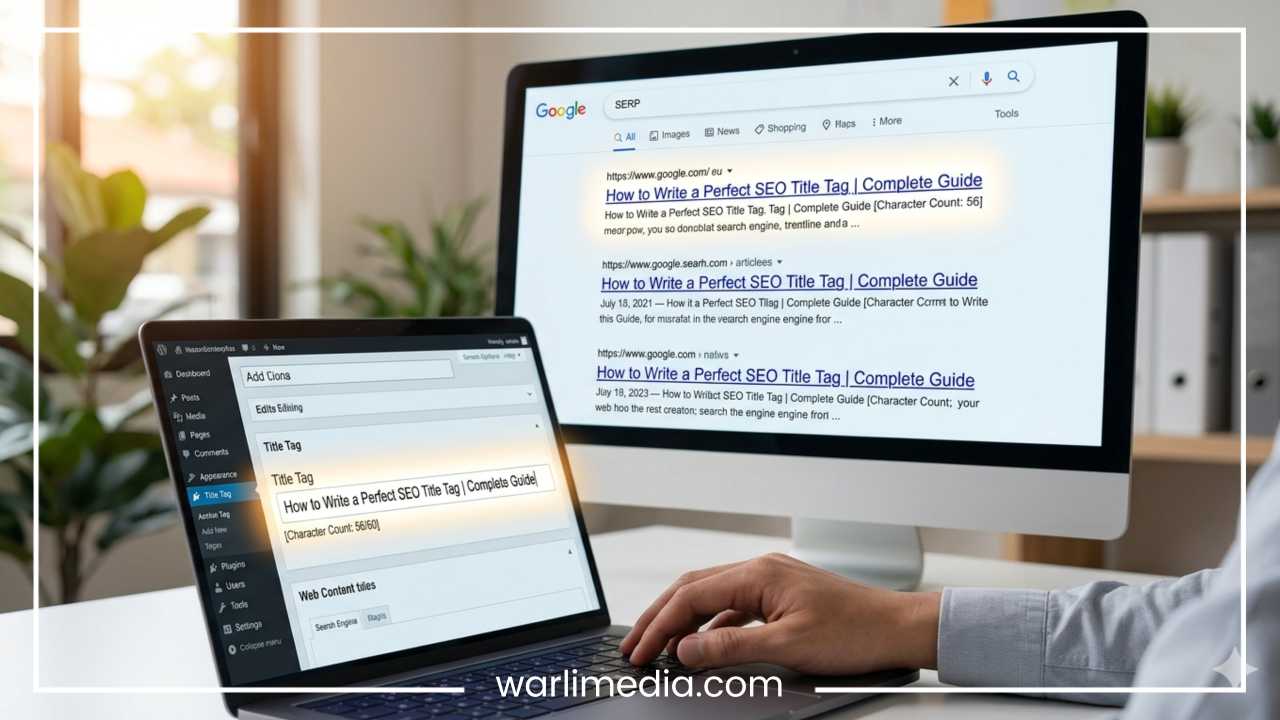
Most WordPress users use plugins like Yoast SEO or Rank Math. These plugins provide a simple text box at the bottom of the post editor where you can type your SEO title and see a live preview of how it will look on Google.
Shopify
In Shopify, scroll to the bottom of any product or collection page to the “Search engine listing” section. Click “Edit website SEO” to update the page title.
Basic HTML
If you are coding a site from scratch, place the title tag within the <head> tags:
HTML
<head>
  <title>Your Perfect SEO Title Tag Goes Here</title>
</head>
Frequently Asked Questions (FAQs)
What is the ideal title tag length?
Aim for 50 to 60 characters. This ensures the title is not cut off on most mobile and desktop devices.
Can I use multiple keywords in one title?
Yes, but don’t overdo it. Focus on one primary keyword and one closely related secondary keyword or modifier.
Do title tags still affect rankings?
Yes. While Google’s algorithm has evolved, the title tag remains one of the top on-page ranking factors.
Why did Google change my title in the search results?
Google may rewrite your title if it thinks your original title doesn’t accurately describe the page or if it can create a better match for a specific user query.
Should every page have a unique title?
Absolutely. Unique titles help search engines index your pages correctly and prevent internal competition between your own URLs.
Final Thoughts
Writing the perfect SEO title tag is a blend of data-driven science and creative copywriting. By placing your keywords strategically, matching user intent, and staying within the character limits, you create a powerful gateway to your content.
Don’t treat your title tags as a “set it and forget it” task. Regularly audit your top-performing pages, test new formulas, and always keep the user’s needs at the forefront of your strategy. A single word change in a title tag can be the difference between a page that languishes on page two and one that dominates the top of the SERPs.
Start by auditing your most important pages today and see where you can add more value, more clarity, and more reasons for users to click.