What Is Alt Text? (And Why It Matters for SEO)
In the modern digital landscape, images are the heartbeat of web design. They break up dense blocks of text, convey complex emotions, and provide visual context that words sometimes cannot. However, for a significant portion of the internet’s population—and for the search engines that index the web—images are essentially invisible unless they are accompanied by a specific piece of metadata known as alt text.
Alt text, or alternative text, is a brief written description assigned to an image in a website’s HTML code. While it might seem like a minor technical detail, it serves as the bridge between the visual world and the textual world. It ensures that the information contained within an image is accessible to everyone, regardless of their physical abilities or the speed of their internet connection.
Read: 4 Things Your SEO Agency London Should Not Practice
This article explores the fundamental nature of alt text, its critical role in web accessibility, and why it remains one of the most underrated yet powerful levers in a search engine optimization (SEO) strategy. By the end of this guide, you will understand how to craft alt text that satisfies both the human user and the algorithmic crawler, turning every visual asset on your site into a functional tool for growth.
What Is Alt Text?
To master the use of alt text, one must first understand its technical and functional definition. Often referred to as “alt attributes” or “alt tags” (though “attribute” is the technically correct term), alt text is a snippet of text used within HTML code to describe the appearance and function of an image on a page.
The Technical Foundation
In the HTML source code, alt text lives within the image tag (<img>). When a browser renders a page, it looks for this attribute. If the image cannot be displayed, the browser serves the alt text instead. The basic syntax looks like this:
<img src="golden-retriever-puppy.jpg" alt="A golden retriever puppy sitting in green grass during sunset.">
Distinguishing Alt Text from Other Metadata
It is a common mistake to confuse alt text with other image-related fields. However, each serves a distinct purpose in the user experience and SEO hierarchy:
Alt Text: This is the “behind-the-scenes” description. Its primary job is accessibility and indexing. It is generally not visible to the average user unless the image file is broken or fails to load.
Captions: This is the visible text usually placed directly below or beside an image. Captions provide editorial context, credits, or additional information that benefits all readers. While helpful, a caption does not replace the functional necessity of alt text for screen readers.
Image Titles: This is an attribute that creates a “tooltip” (a small text box) when a user hovers their mouse over an image. While titles can provide a slight UX boost, search engines generally place very little weight on them compared to the alt attribute.
File Names: This is the actual name of the image file (e.g.,
brown-leather-boots.jpg). While not “text” on the page, the file name should ideally mirror the alt text to provide a consistent signal to search engines.
Read: Actionable Tips to Boost Your Blog Traffic Today
Examples of Descriptive Precision
The quality of alt text is measured by its ability to convey the “why” and “what” of an image without being redundant.
Poor:
<img src="lake.jpg" alt="lake">(Too vague; provides no context.)Better:
<img src="lake.jpg" alt="A calm lake at dawn.">(Descriptive, but could be more specific.)Best:
<img src="lake.jpg" alt="Morning mist rising over Lake Tahoe with pine trees in the foreground.">(Provides a vivid, specific image for both users and crawlers.)
The Importance of Alt Text for Accessibility
The primary reason alt text was invented was not for Google; it was for people. For the millions of web users who are blind, have low vision, or possess cognitive disabilities, the internet is experienced through assistive technologies like screen readers.
How Screen Readers Work
A screen reader is a software application that converts on-screen text into synthesized speech or Braille output. When a screen reader encounters an image, it looks for the alt text attribute. If the attribute is present, the software reads the description aloud, allowing the user to “visualize” the content.
If the alt text is missing, the screen reader experience breaks down. Depending on the software, it might simply say “Image,” skip the element entirely, or—worst of all—read the entire file path out loud (e.g., “Image: DSC underscore zero zero four nine dot J-P-E-G”). This creates a disjointed, frustrating, and exclusionary browsing experience.
Read: Role of Web Design in SEO
Accessibility Standards and WCAG
The Web Content Accessibility Guidelines (WCAG) are the international standards for making web content accessible. WCAG 2.1 Principle 1.1 states that websites must provide text alternatives for any non-text content so that it can be changed into other forms people need, such as large print, braille, speech, symbols, or simpler language.
Failure to provide alt text is not just a poor design choice; in many jurisdictions and industries, it is a legal liability. Accessibility lawsuits have risen sharply as the digital world becomes the primary gateway for commerce and information.
Real-Life Benefits Beyond the Visually Impaired
Alt text creates a more resilient web for everyone:
Low Bandwidth: In areas with slow internet connections, users often turn off images to save data or speed up loading. Alt text ensures they still get the information.
Broken Images: If a server goes down or a file path is changed incorrectly, the alt text appears in the empty box, preserving the page’s message.
Cognitive Support: For individuals with certain learning disabilities, reading a text description while viewing an image can reinforce the information through multi-modal learning.
Why Alt Text Matters for SEO
While accessibility is the ethical priority, the SEO benefits of alt text are the strategic priority for marketers. Search engines are highly sophisticated, but they do not “see” an image in the same way a human does. They lack the biological eyes to interpret the nuances of a photograph or the data points in a chart.
How Search Engines Index Images
Search engine crawlers (like Googlebot) use alt text to understand the subject matter of an image. This description is then used to index the image correctly within Google Images and the main Search Engine Results Pages (SERPs).
When you provide clear, keyword-rich (but not “stuffed”) alt text, you are providing a direct signal to the search engine about the topic of the page. This increases the topical relevance of your content. If you are writing a guide about “DIY Woodworking,” and you have ten images showing different saws, joints, and wood types, Google uses those alt tags to confirm that your page is indeed a comprehensive resource on woodworking.
The Power of Image Search
Google Images is a massive traffic driver that many site owners overlook. Users frequently search for visual solutions—such as “modern kitchen layouts,” “blue velvet sofas,” or “marketing funnel diagrams.” If your images are optimized with accurate alt text, they are much more likely to appear at the top of these visual results. For e-commerce sites, this can be the difference between a bounce and a sale.
Strengthening Page-Level SEO
Alt text doesn’t just help the image; it helps the entire page rank. Search engines look for consistency across a URL. If your page title, headers, body text, and image alt attributes all align around a specific topic, the search engine gains high confidence in your page’s authority. This “semantic harmony” is a core component of modern SEO.
Best Practices for Writing Alt Text
Writing effective alt text is a balance of brevity, accuracy, and strategic keyword placement. Follow these guidelines to ensure your images are doing their job.
1. Be Concise and Clear
Most screen readers stop reading alt text after approximately 125 characters. Aim for a single, punchy sentence. Avoid “fluff” phrases. You don’t need to say “Image of…” or “Picture of…” because the HTML tag itself tells the assistive technology that it is an image.
Inefficient: “A photograph of a woman wearing a red hat while she is walking her dog in the park during the winter.” (106 characters, but wordy.)
Efficient: “Woman in a red hat walking her dog through a snowy park.” (58 characters.)
2. Prioritize Context
The “correct” alt text depends entirely on the context of the page.
On a travel site: “The Eiffel Tower at sunset with pink clouds.”
On a history site: “The Eiffel Tower showing the structural ironwork designed by Gustave Eiffel.”
On an architectural site: “Example of 19th-century French lattice-work on the Eiffel Tower.”
3. Handle Complex Visuals Correctly
Infographics, charts, and diagrams present a challenge. You cannot fit all the data from a complex chart into an alt attribute. Instead:
Summarize the key takeaway in the alt text (e.g., “Line graph showing a 30 percent increase in organic traffic over Q3”).
Provide a detailed text description or data table in the surrounding body text for full accessibility.
4. E-commerce Specifics
For product pages, you want to be as specific as possible to capture long-tail search traffic. Include brand names, colors, materials, and model numbers.
Example: “Men’s Nike Air Max 270 in Triple Black mesh with foam midsole.”
5. Avoid Keyword Stuffing
This is the cardinal sin of SEO. Do not write: alt="best seo tools seo software rank tracker free seo tool". This is flagged as spam by Google and is incomprehensible to screen reader users. Use your target keyword once naturally within a descriptive sentence.
Advanced SEO Considerations
Beyond basic descriptions, there are several advanced techniques to maximize the value of your visual content.
Image File Naming Synergy
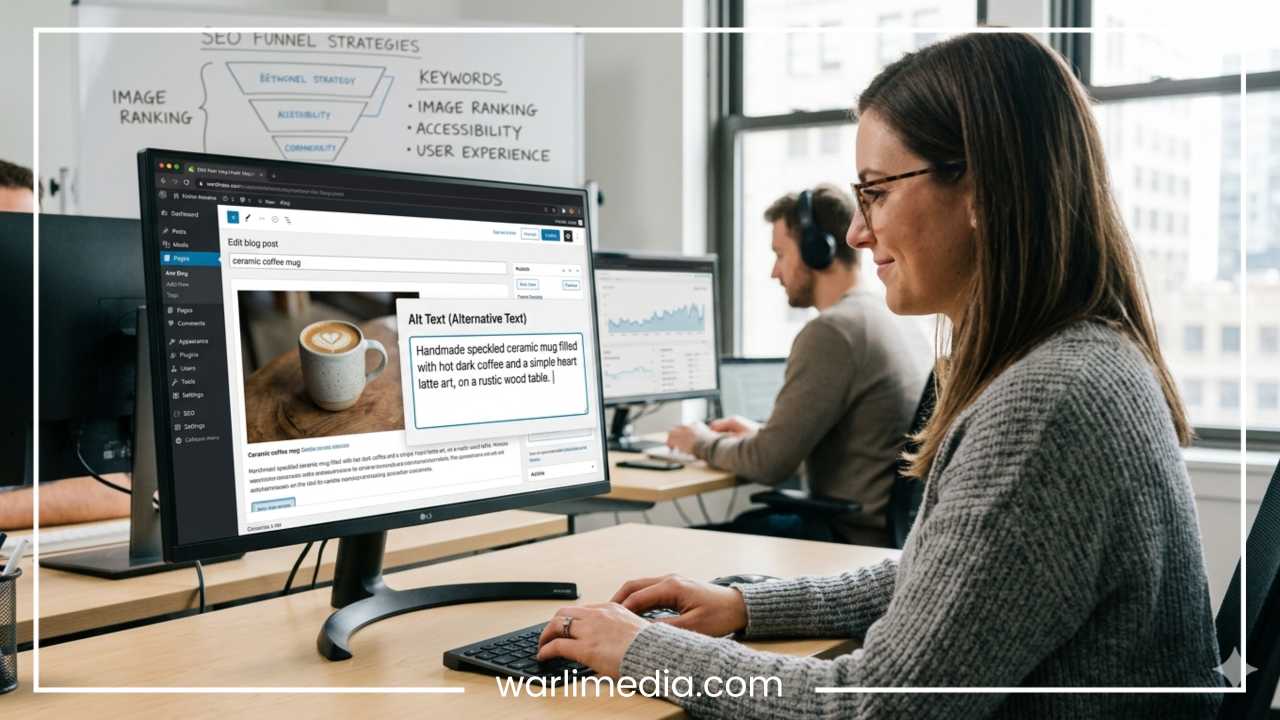
Your SEO strategy should start before you even upload the file. Change the default camera name (like IMG_002.jpg) to a descriptive name (handmade-ceramic-mug.jpg). When the file name matches the alt text, it reinforces the signal to search engines.
Structured Data and Rich Snippets
For certain types of content, such as recipes or products, you can use Schema Markup to provide even more data. By nesting your images within structured data, you can tell Google that a specific image is the “primary product photo,” which can then be featured in rich snippets or the Google Shopping tab.
The Role of Artificial Intelligence
Many modern CMS platforms (like Shopify or WordPress) and tools like Microsoft Azure or Google Vision offer AI-generated alt text. While these are impressive, they are not foolproof. AI can identify “a dog,” but it might not realize it’s the “award-winning 2024 Westminster champion.” Always use AI as a starting point, followed by a human review to ensure accuracy and brand voice.
Global SEO and Localization
If your website is multilingual, your alt text must be translated as well. Translating only the body text while leaving alt text in English is a major oversight. For localized SEO, you want to use the specific keywords and phrasing that users in that region would use to search for that image.
Common Mistakes to Avoid
Even experienced webmasters often fall into these traps. Awareness of these mistakes is the first step toward a cleaner, more optimized site.
Missing Alt Text Entirely: This is the most common error. Use a crawler to identify images with missing tags.
Redundant Text: Don’t repeat the caption exactly as the alt text. If the caption is “Figure 1: Quarterly Sales,” the alt text should describe the visual trend in the figure, not just repeat the title.
Using Images for Text: Avoid putting important text inside an image (like a banner with a sale announcement). If you must do this, the alt text must contain every word written in the image so that screen readers and crawlers can “read” the sale details.
Over-optimizing Decorative Images: Some images are purely for aesthetics—like a gradient background or a decorative flourish. For these, use a “null” alt attribute (
alt=""). This tells screen readers to skip the image, preventing unnecessary “noise” for the user.
Tools and Resources for Alt Text Optimization
You do not have to manually check every page on your site to improve your image SEO. Use these tools to streamline the process:
SEO Auditing Tools
Ahrefs / SEMrush: These platforms include site audit features that will specifically list every image on your site that is missing alt text or has excessively long alt text.
Screaming Frog SEO Spider: A powerful desktop tool that crawls your site and provides a spreadsheet of all image attributes, allowing you to spot patterns and missing data quickly.
Accessibility Testing
WAVE (Web Accessibility Evaluation Tool): A browser extension that highlights accessibility errors directly on your page, showing you exactly where alt text is missing.
Google Lighthouse: Built into Chrome DevTools, this provides an “Accessibility” score and identifies images that lack alt attributes.
CMS-Specific Helpers
WordPress: Plugins like “Alt Text AI” or standard SEO plugins like Yoast provide interfaces to manage alt text efficiently across your media library.
Final Thoughts
Alt text is one of the few elements of digital marketing that offers a true win-win scenario. It allows you to build a website that is inclusive and accessible to all human beings, while simultaneously providing search engines with the data they need to rank your content effectively.
In an era where “User Experience” (UX) is a primary ranking factor, alt text is no longer an optional “extra.” It is a fundamental requirement. By following the best practices outlined in this guide—staying concise, avoiding keyword stuffing, and prioritizing the needs of assistive technology users—you will create a more robust, visible, and professional online presence.
Take the time to review your site’s most important pages today. Check your product images, your blog headers, and your infographics. Every missing alt tag is a missed opportunity to connect with a user and a missed signal to a search engine. Start optimizing, and make your visual content work harder for your brand.